Product Photos
Create clean product images for ecommerce, marketplaces, and digital catalogs.
Upload a JPG, PNG, or WEBP file and get a transparent PNG ready for product images, logos, and social posts.
Drag, drop, preview, and export in one flow.
Try the sample or upload your own image to replace this preview with a real cutout result.

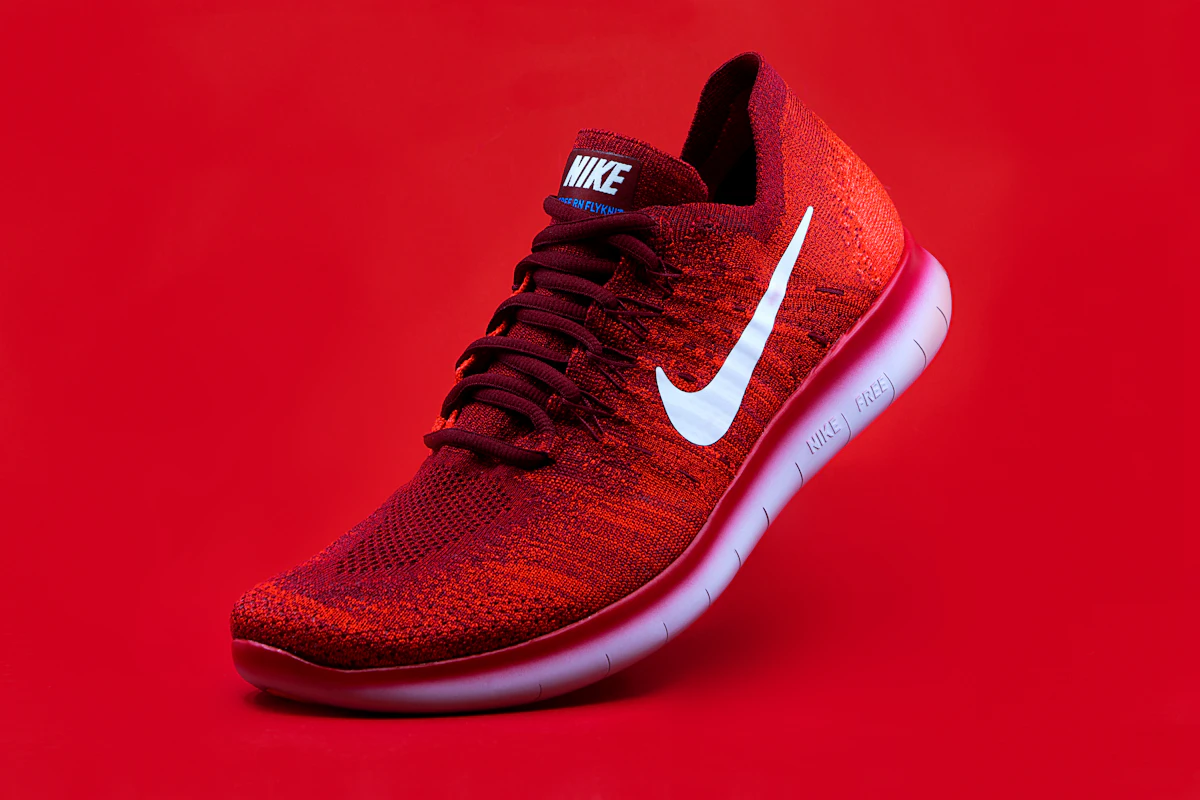
From product photography to transparent logos, the workflow is built for quick cleanup and instant exports.
Create clean product images for ecommerce, marketplaces, and digital catalogs.
Remove unwanted backgrounds and export transparent logo PNGs for websites and branding.
Cut out portraits for avatars, resumes, team pages, and personal branding.
Prepare images for thumbnails, posts, ads, and promotional designs in seconds.
The MVP keeps the process simple so users can remove backgrounds without a heavy editor or complex setup.
Select a JPG, PNG, or WEBP file from your device.
The subject is detected automatically so you can get a clean cutout in seconds.
Save the result instantly or switch to a white or colored background.
These dedicated pages are ready for the next SEO and product iteration.
These are the key questions users usually ask before trying an image background remover online.
Yes. The MVP is free to try online.
Yes. After removing the background you can download a transparent PNG.
Yes. It is designed for logos, product images, portraits, and other common cutout use cases.
Yes. A white background option is included in the action area.
JPG, PNG, and WEBP are supported.
No. Just upload an image and the tool handles the rest.
A lightweight landing page and upload flow backed by a live background removal API through Cloudflare Worker integration.
An image background remover helps you isolate the main subject and create transparent PNG files for websites, online stores, presentations, and social media.
This MVP focuses on the fastest path from upload to download. You can drop in an image, preview the result, and export a cutout without learning Photoshop or using a heavy editor.
Common use cases include product photography, logo cleanup, transparent profile pictures, and preparing white-background images for ecommerce marketplaces.